Javascript Examples
Javascript Inline Frame
AxureEx Examples
AxureEx Transform
AxureEx History A
AxureEx History B
AxureEx History C
AxureEx Repeater A
AxureEx Repeater B
Desktop Candy
Mobile Candy
Webfonts
Material Design
AxureEx @ dejongh.dk
Native Examples

AxureEx @ github.com
AxureEx @ forum.axure.com
Sticky Header
Javascript Imrpoved
jshint.com


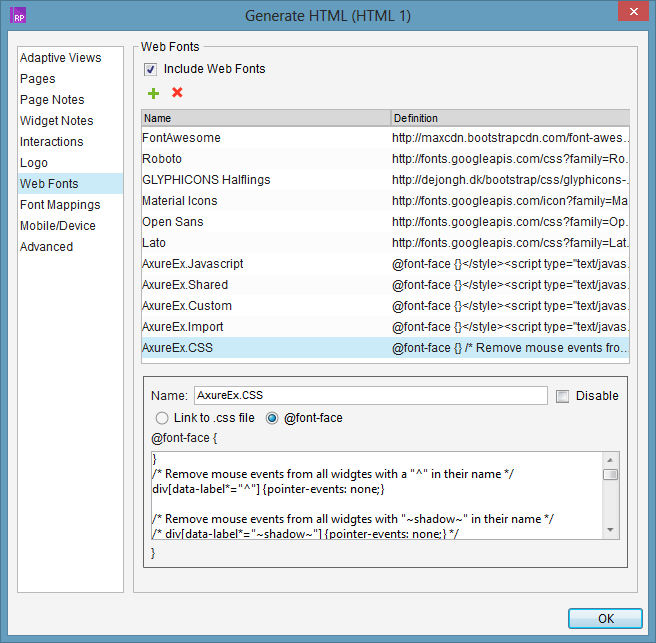
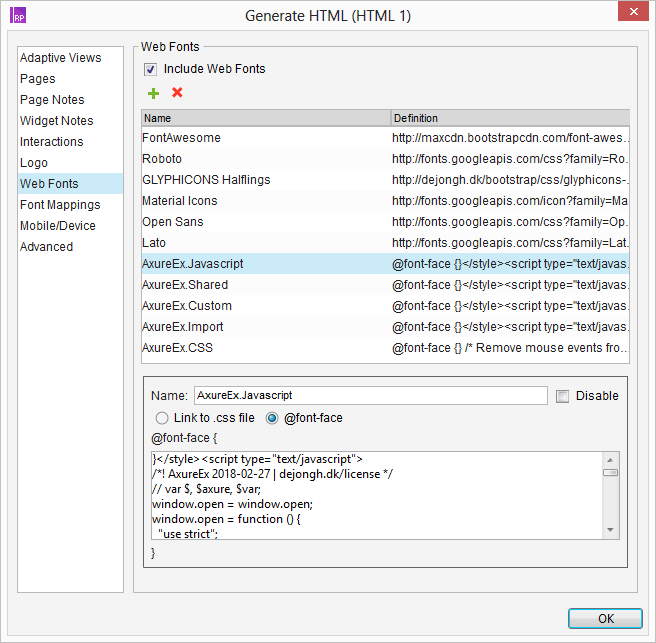
Javascript code inserted via the "Webfont Tag" in the preview settings of the prototype enables Javascript to be executed using the "Open link in new window/tab" action. This method has a number of advantages over executing javascript via "Open link in current window."
Improved Javascript Injection
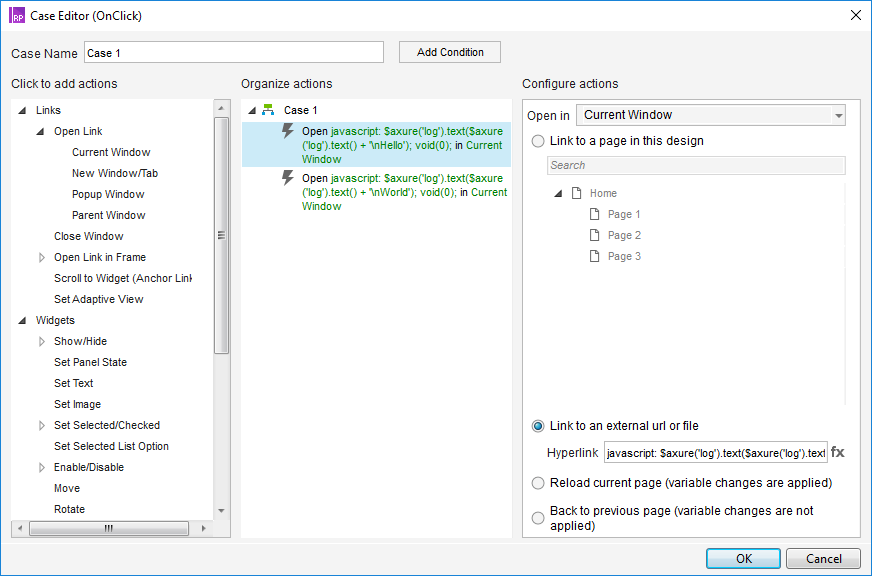
Old Method Demo
Improve javascript injection with a chuck of javascript inserted as a webfont. The javascript overrides the window.open function enabling javascript to be executed in an "Open Link in New Window/Tab" action.
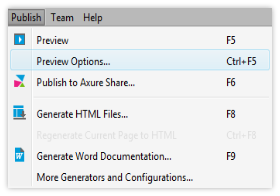
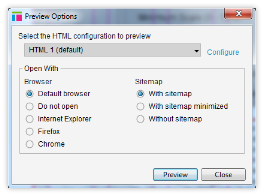
In the Axure menu choose "Publish > Preview Options > Configure", add a new webfont and insert the javascript below in the webfont tag.



The most important benefit of the new javascript injection method is that multiple actions with javascript no longer cancel out each other.
Click on the [Old Method] button to see that only the javascript in the second action is executed when viewed in the Chrome browser.
Click on the [New Method] button to see that the javascript in both actions are executed when viewed in the Chrome browser.



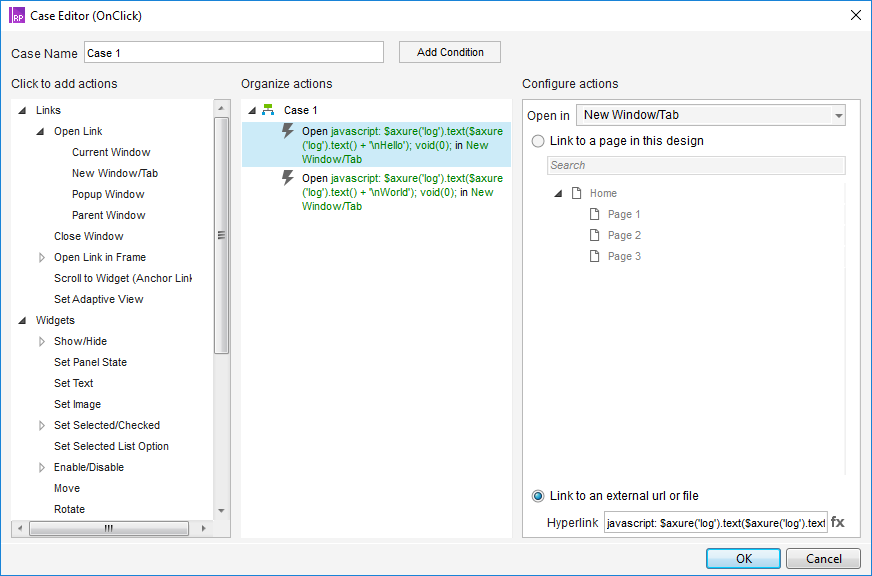
New Method Demo





Executing javascript via "Open Link in New Window/Tab" has the additional benefit the function stored in window.AxureExInitialize is called before any javascript is executed. Place initialization code in this function.
Is this prototype window.AxureExInitialize is initialized by javascript stored in the AxureEx.Shared webfont. AxureEx extends the AxQuery API with additional functionality.

1
2
3







The new method also allowes text of widgets to be executed as javascript.
Use the syntax javascript:"@"<name of widget> to automatically execute the text of a widget as javascript.
It is even possible to pass variables to the executed javascript. Use the synax javascript:"@"<name of widget>"<,>"<name of variable>":"<value of variabe> an example;
@Example.Script<,>Name:Sam

New Method Demo

4

CSS can also be inserted via the "Webfont Tag".
